Deployment workflows, without a line of script
One orchestration covers activation, configuration and firmware, from a device's first connection to its end of life.
Continuous deployment, without touching the device
Orchestrated fleet lifecycle: One orchestration covers activation, configuration and firmware, from the first connection to end of life, instead of a separate manual procedure for each.
What the platform handles
- A device provisions itself on first connection, with no on-site intervention
- One workflow drives several equipment models, without a script per model
- A campaign runs across the whole fleet, in batches you size yourself
- Updates are scheduled off-peak and roll back on failure
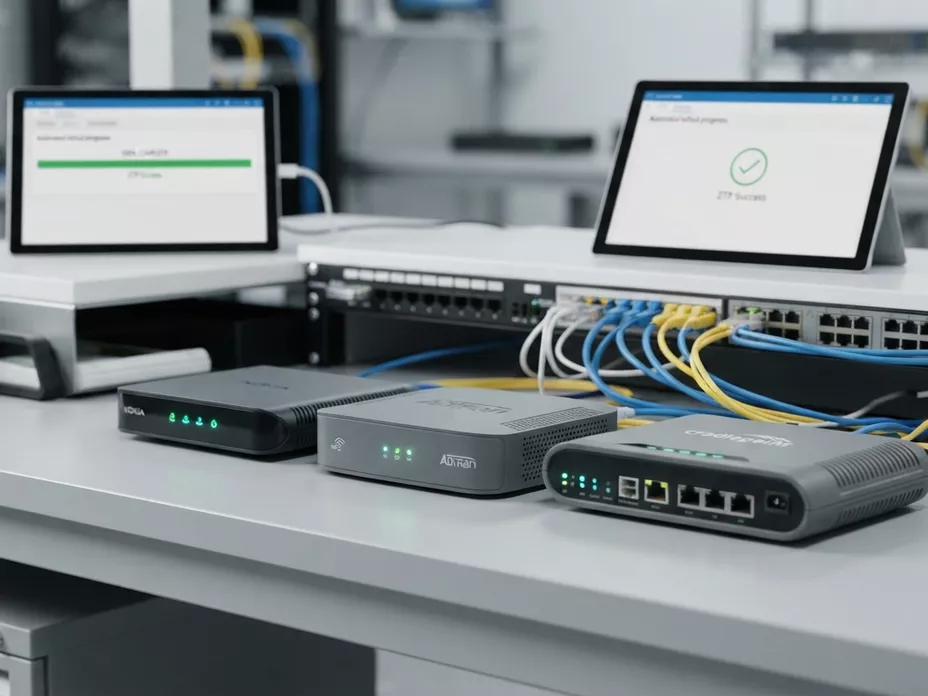
A deployment, in four steps
What happens to a device between its first connection and its daily running, and what is recorded along the way.
- 01 Detection
First connection
When a device is connected (ONT, box, router), the platform identifies it automatically through the standard TR-069 and TR-369 protocols.
- 02 Orchestration
Profile applied
The rules engine applies the network configuration your experts defined visually: VLAN, VoIP, Wi-Fi and security settings, per device profile.
- 03 Validation
Checks and firmware
Each device is checked against your security baseline, and firmware updates are rolled out in stages, with a rollback if a device does not come back up.
- 04 Monitoring
Watch, then correct
Each device keeps reporting its state at every check-in. One that drifts from its profile is flagged, and the correction is proposed as a workflow that someone approves before it runs, never applied on its own.
Follow every workflow as it runs
One interface for architects and support teams: see which step each device is on and what changed, without opening a terminal.
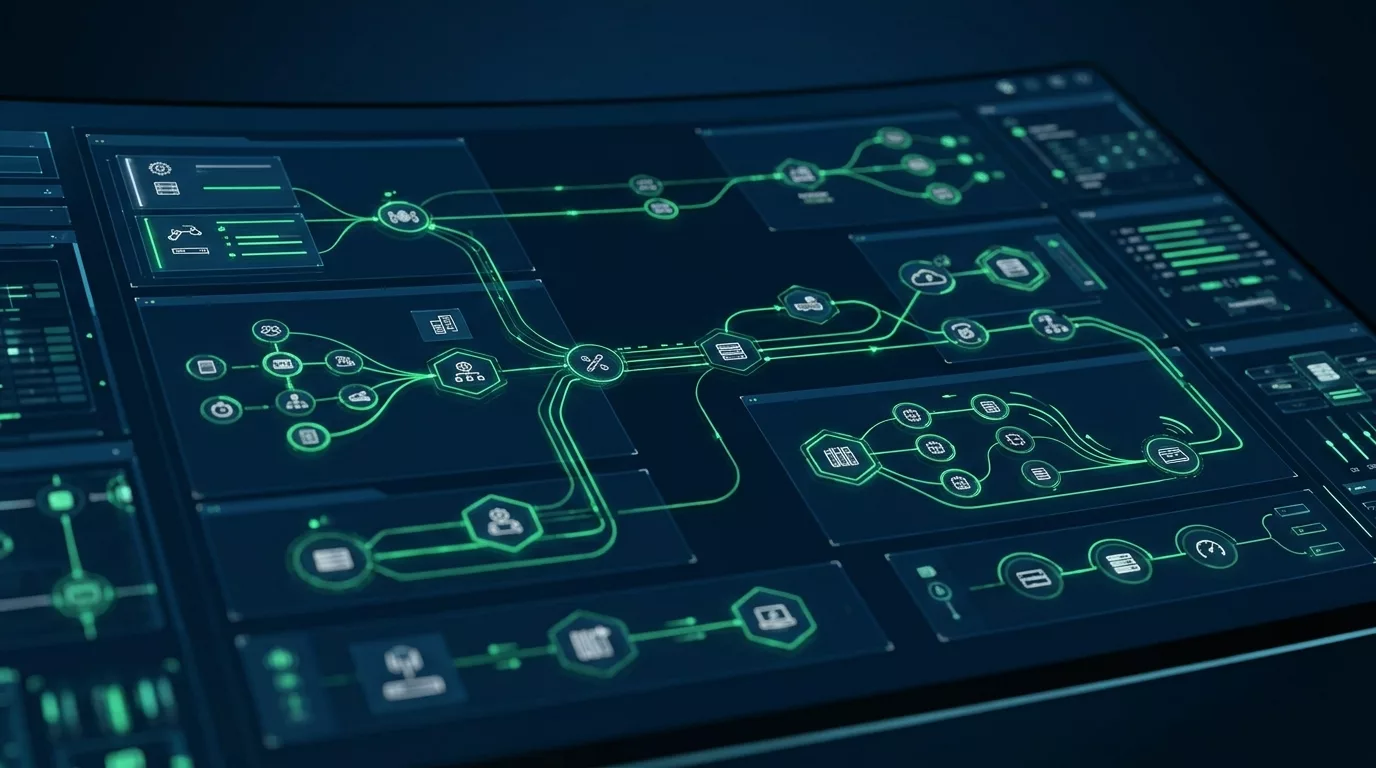
Visual orchestration: the process, not the code
Shift the complexity into business modelling: AutoConfigPro turns your network rules into graphical workflows your teams can read, review and change together.
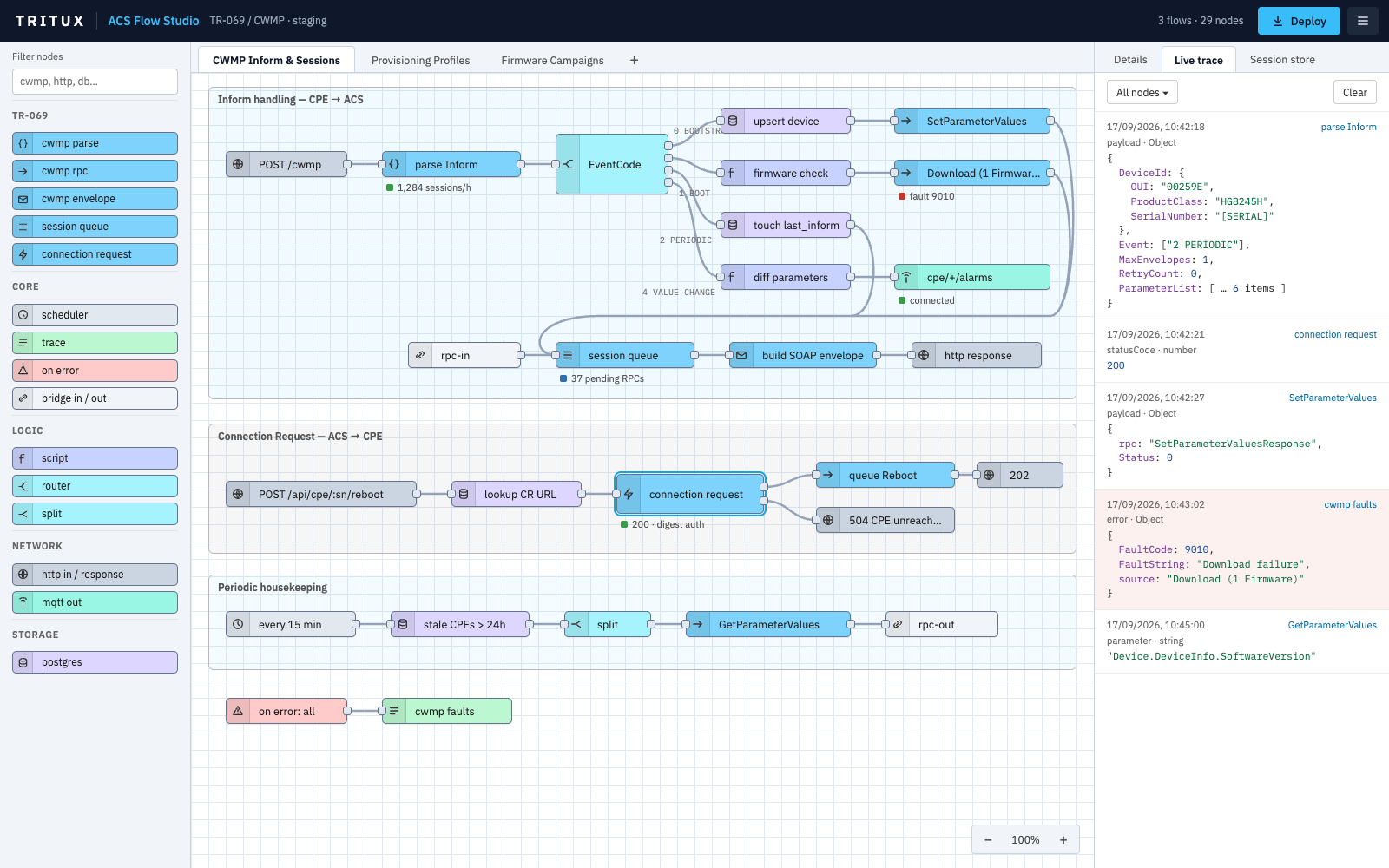
What the visual approach gives you
- Drag-and-drop modelling: Assemble the logic from blocks you have already tested, without writing code.
- Conditional branches: Handle exceptions and fallback paths inside the workflow, instead of in a script.
- Simulation: Run a workflow end to end and see what it would do, before it touches a device in production.
- History and audit trail: Follow exactly which steps ran for a given customer, and when.
Changing a rule means editing the workflow: you change it and replay it, instead of rewriting and re-testing a script.
Ready-made actions
The blocks a workflow is built from: the standard TR-069 operations, plus your own scripts where a model needs them.
Ready to automate your customer equipment?
Discover how AutoConfigPro integrates into your architecture and accelerates your telecom operations.
Targeted analysis of your CPE fleet use cases
Detailed estimate based on your active equipment count
Architecture recommendations tailored to your sovereignty needs